Document
Choose it when
People need detail, a reference, or a place to review together.
What comes back
A responsive HTML page with a deliberate visual system, diagrams, and source-linked claims.
HTML Docs agent skill · Codex and Claude Code
Install HTML Docs into the coding agent you already use. It gives that agent a complete process for researching, teaching, designing, narrating, checking, and handing off a private result.
Your existing agent learns how to
This is not a separate prompt box or a hidden authoring model. Codex or Claude does the research and creative work; HTML Docs supplies the open production instructions and local tools that turn it into a finished artifact.
Choose the outcome
Ask for a format directly, or leave the choice open. The agent reads the source and teaching goal before deciding what to build.
Use your agent normally for a quick fact or throwaway note.
Use HTML Docs when the answer needs evidence, structure, visuals, narration, collaboration, or a place to keep living.
Choose it when
People need detail, a reference, or a place to review together.
What comes back
A responsive HTML page with a deliberate visual system, diagrams, and source-linked claims.
Choose it when
Motion, sequence, or spoken explanation is the main value.
What comes back
A narrated HTML Player with explanatory scenes, synchronized captions, a transcript, and an MP4 fallback.
Choose it when
One focused subject needs both a mental model and a reference.
What comes back
A detailed page and an embedded visual explanation built from the same sources and teaching plan.
Choose it when
A folder or codebase contains several connected learning outcomes.
What comes back
A learning site with modules, lesson pages, videos, practice, feedback, transcripts, and progress.
The production story
The format is only the visible result. The value is the process the agent follows before it gives that result back to you.
The agent identifies the audience, what they already know, where the confusion is, and what they should be able to do at the end.
It reads the supplied material, researches when needed, freezes the evidence, and connects substantive claims to their sources.
It builds a teaching sequence instead of copying the order of the source. Prerequisites, mechanisms, examples, and limits appear where they help.
The agent sets the typography, color, diagram grammar, narration style, and learning structure before producing the final artifact.
The page keeps the detail. Video teaches the mental model. Course lessons add practice and feedback. Shared evidence keeps them consistent.
Facts, citations, readability, accessibility, responsive layout, captions, timing, and visual quality are checked before the private handoff.
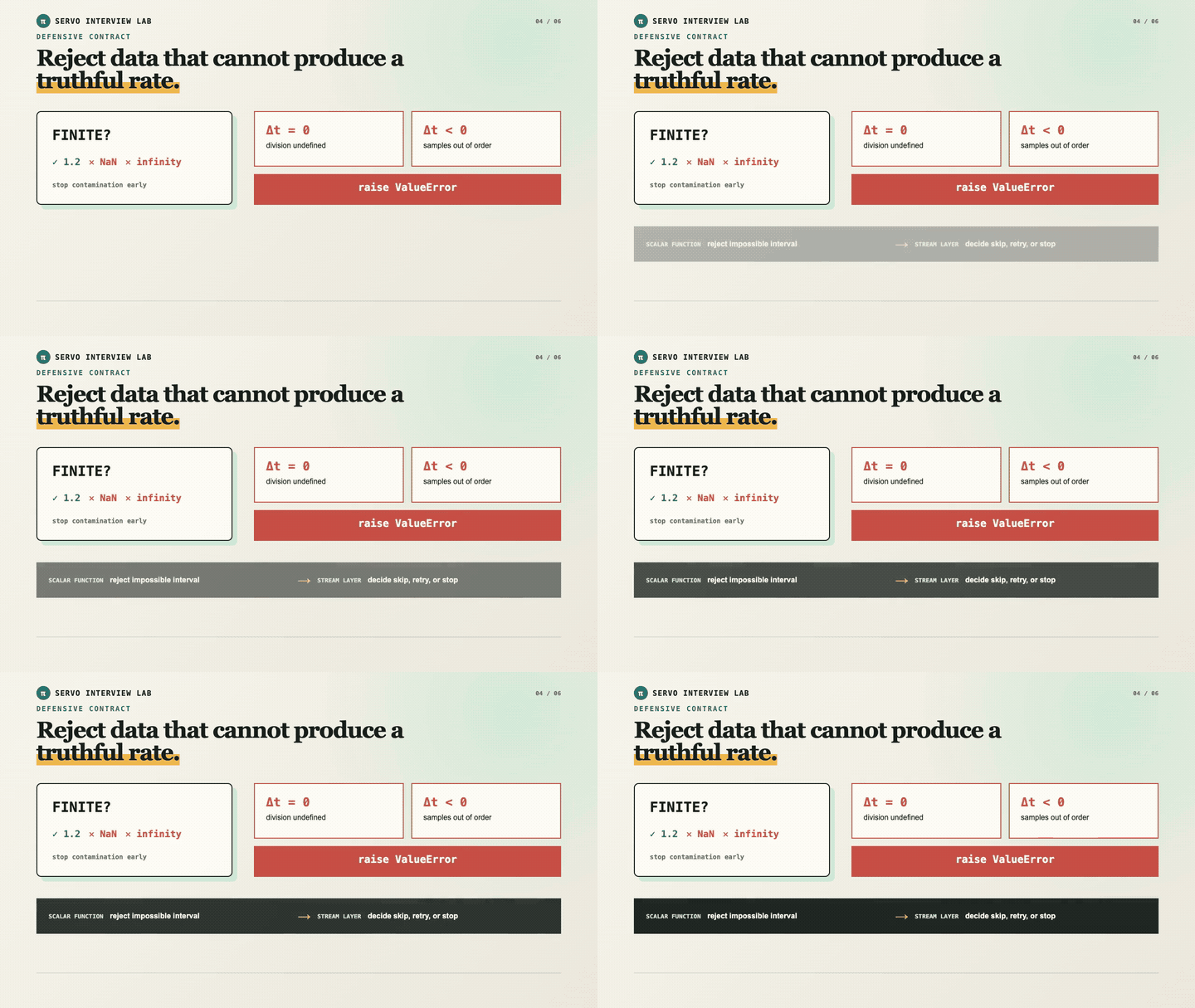
Guarding a velocity estimator
Codebase evidence becomes a lesson, diagram language, narration, captions, and a visual check.
After the first draft
A generated page is not the end of the workflow. People can review the real artifact, and the agent can return to the same document without erasing newer human work.
Private draft
A stable preview opens for review
Human review
Comments stay attached to the content
Agent revision
Only the intended blocks or scenes change
Versioned handoff
Earlier work remains recoverable
Automatic work stops at a local artifact or private preview. Public or unlisted publishing remains a human action in the editor.
Different sources. Different jobs.
A defensive-programming lesson turns invalid inputs into a visual contract learners can remember.
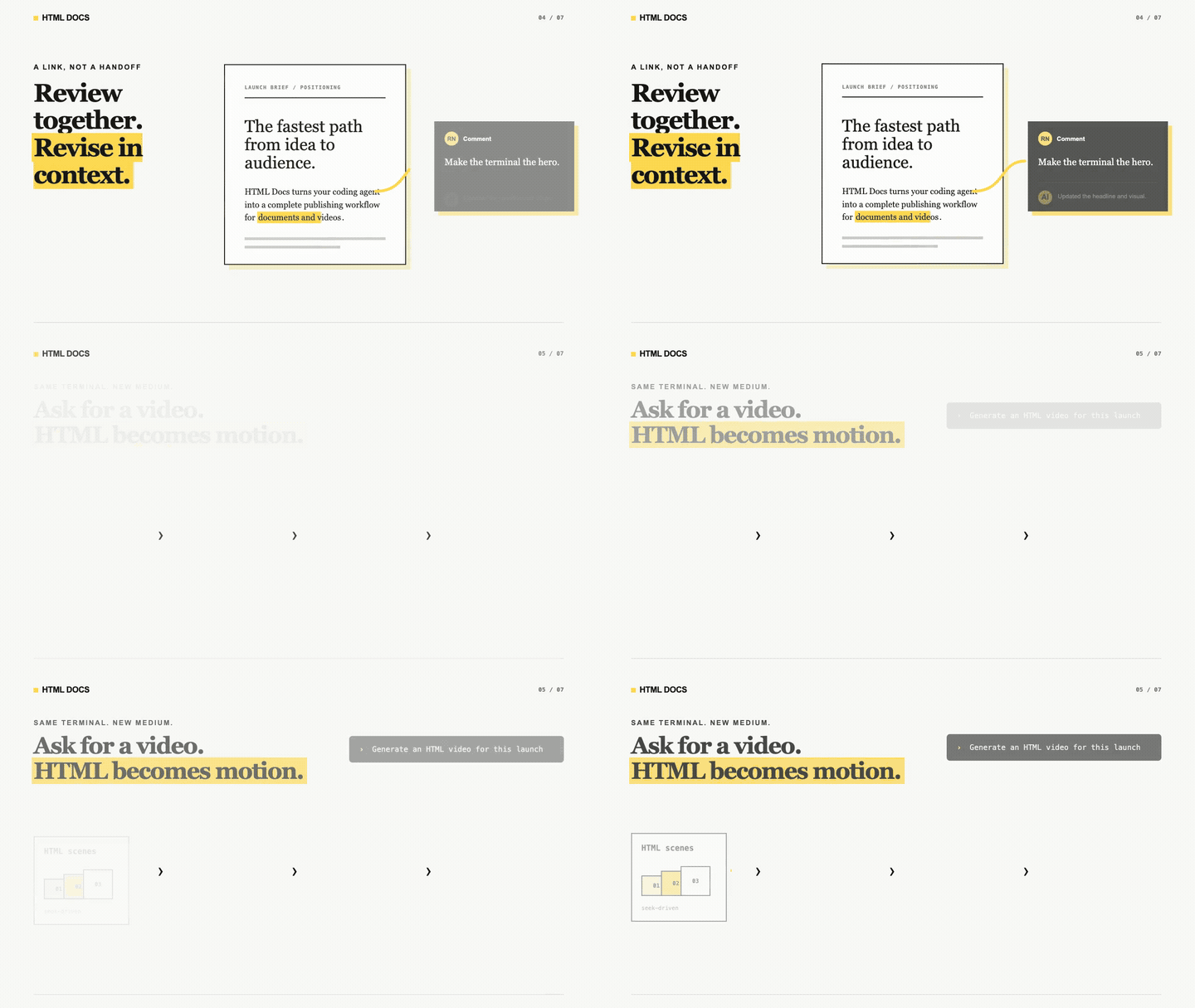
The document preserves the brief and sources. The companion video teaches the workflow visually.
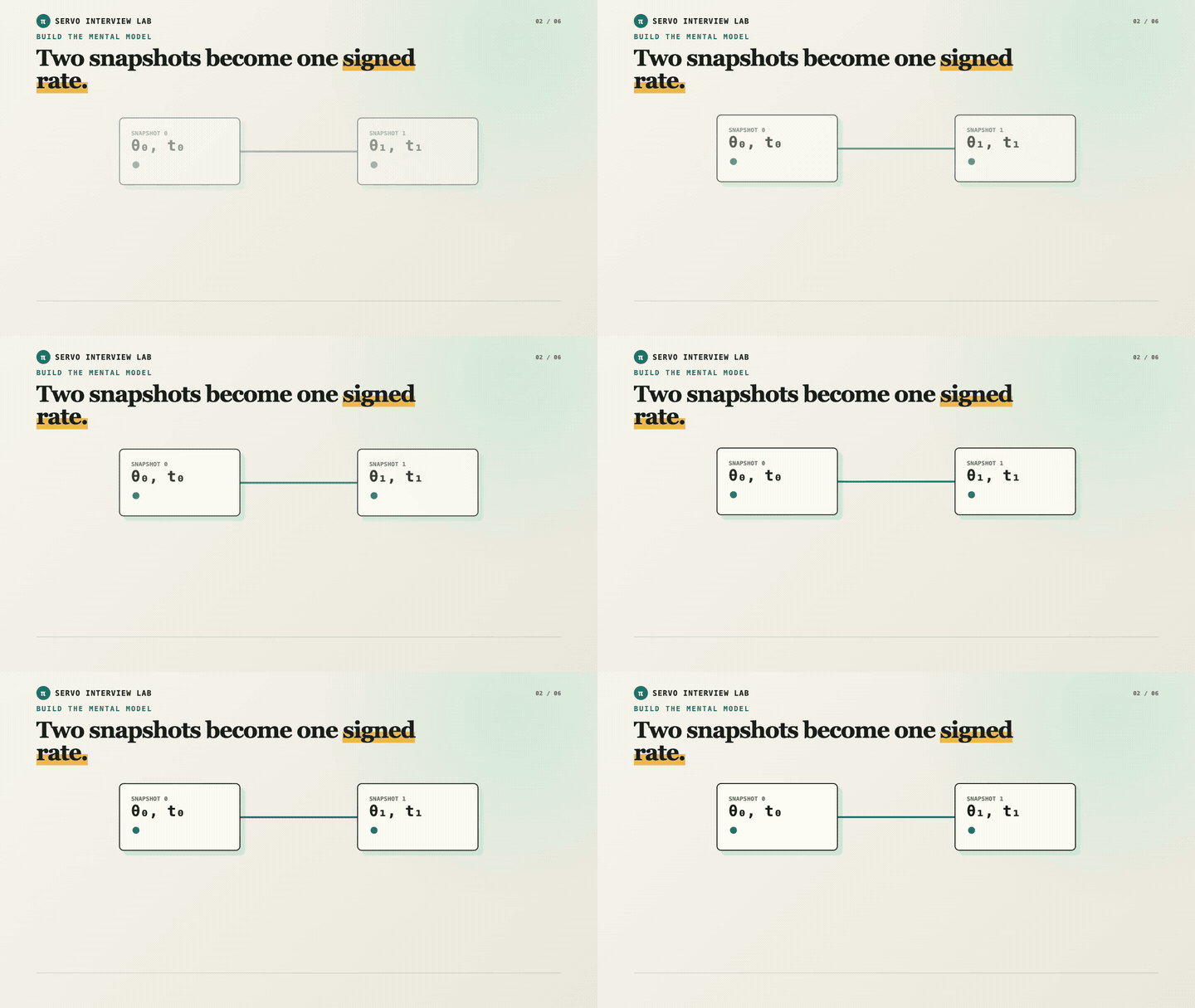
A formula becomes a before-and-after model with narration, motion, and synchronized captions.
Put the system to work
You do not need to choose every production detail. Give the agent the source, the audience, and the outcome. It handles the first complete pass and returns the result privately.
1. Add the skill
Run this once in your terminal.
$ npx skills add raunaqbn/html-docs-skill --skill html-docs -gStart a new Codex task in the folder that contains your source, or give the task a URL, PDF, document, or research topic.
2. Ask for the outcome
This prompt leaves the format open and gives the agent room to choose well.
Copy into Codex
Use $html-docs to inspect this source, choose the clearest format, and create the complete first version for [audience]. Ground the claims, make the explanation visual, and return a local artifact or private collaborative preview.
Replace [audience] with “a new teammate,” “a client,” or whoever should understand the result.
Need a revision later?
Give the agent the HTML Docs link and the requested change or review comments.
Did the source change?
Ask it to refresh the artifact and rebuild only what the change affects.